
During Spring 2022, I attended a 15 week course of Visual Design. For five weeks of the course I was taught and experimented with the different tools and shortcuts of Illustrator.
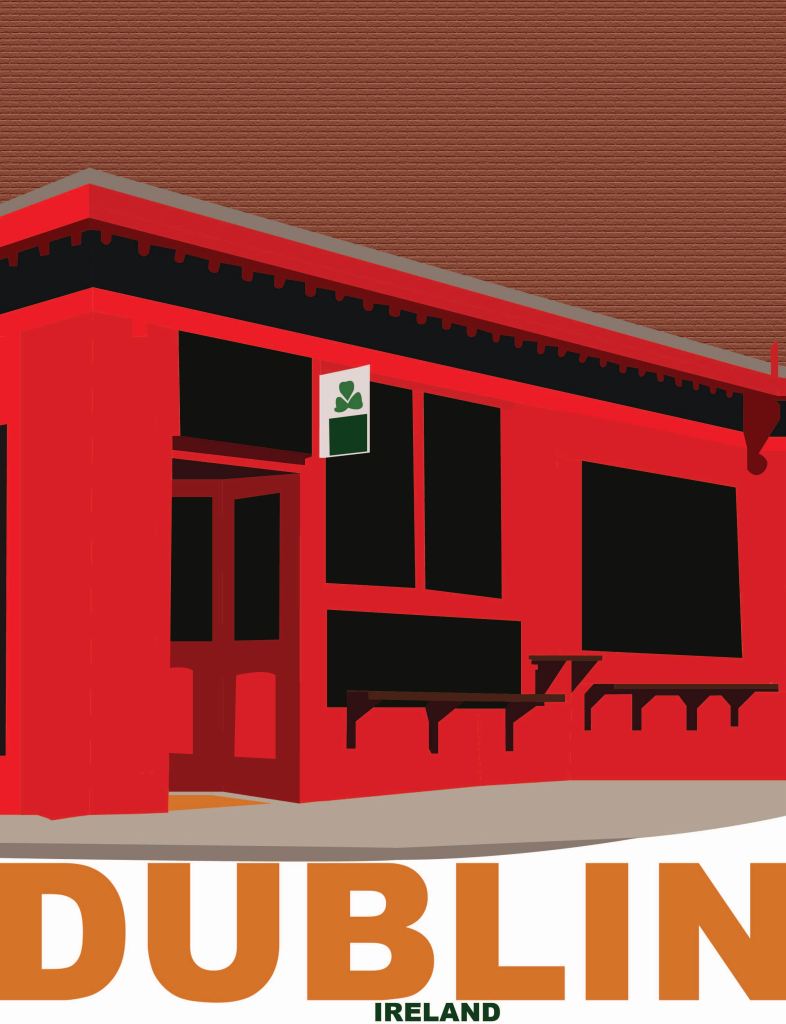


For this project I picked places I’d love to visit at one point in my life. Using the pen tool and the shape tool I traced a creative commercial license images of the Big Ben Tower in London, The Temple Bar in Dublin, Ireland, and the Eiffel Tower in Paris. I experimented with different text fonts and sizes to match the aesthetic I get from the specific places.

Using the pen tool I traced my differentiated fonted initials from a previous logo as well as the carnation flower. Using the color guide I applied a pinky fill to each layer of the carnation. I used the ellipse shape tool to create a circular outline to my logo.


Animal Trace: Using the pen tool, the shape tool, and the eyedropper tool to recreate the four animals.
Pear and Orange: After learning the pen tool and the ways to make the lines cerve specific ways. I created a fruit bowl, orange, and a bitten pear on a table.
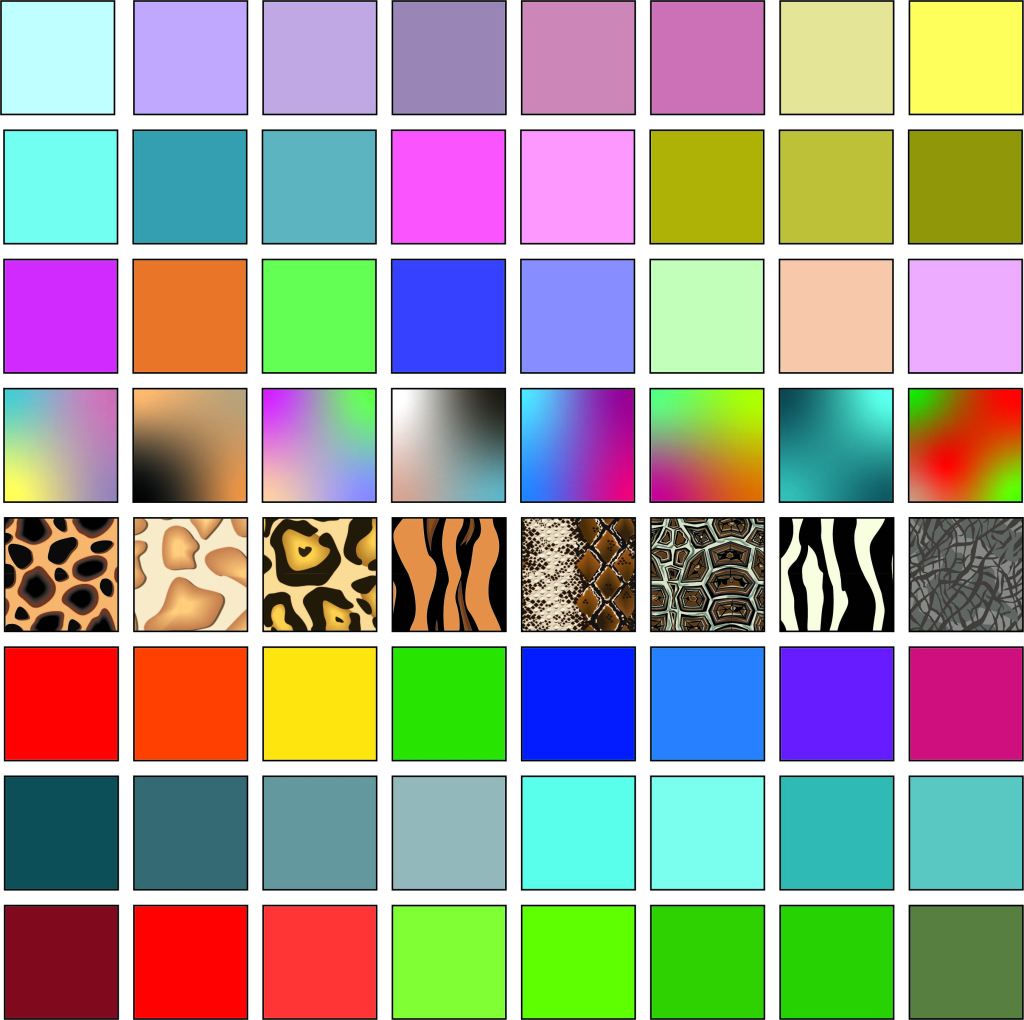
To start this project I created 1in by 1in box then applied a keyboard increment of 1 in +10 pt, so every time I pasted a box and hit the right directional arrow of the down arrow each of the 64 boxes were equally spaced apart. Within each box I experimented with color swatches, patterns and gradient combinations. Each of my gradient boxes is made up of the solid colored swatches of other rows, for example the first gradient box is made up of colors from the first row of eight.

This project required me to utilize different tools of illustrator. Beginning with a circle and adding one straight line from the center of the circle to a little past of the circled outline. In order to get an evenly spaced diagram I hit option clicked 30 degrees then hit copy and then command d to duplicate the line every 30 degrees of the circle. I then hit window, pathfinder, and then the divide, which separates the circle into sections. To make the pixelated carnation photo a vector shape i hit image trace then silhouette and enhance. I repeated the same process as the line for the carnation. Finally I applied text and a black background, as well as a line to seperate the warm and cool colors.
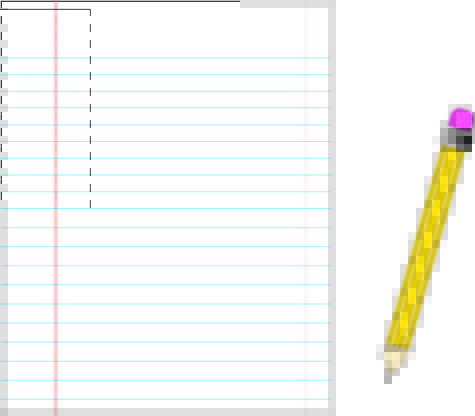
I created a pencil and piece of paper using different shapes in Adobe Illustrator. I learned about anchor points, paths, and selection tools in the illustrator program that allow for majority of work to be produced.
 Maeve Catherine